 Bookmark Icon Customizer
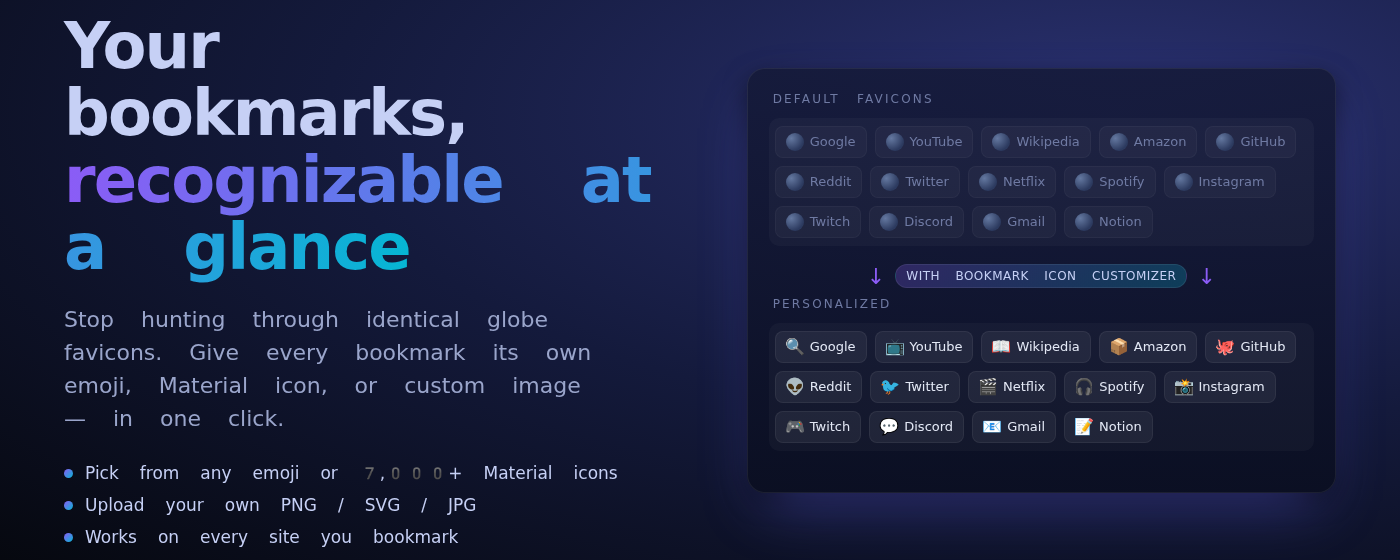
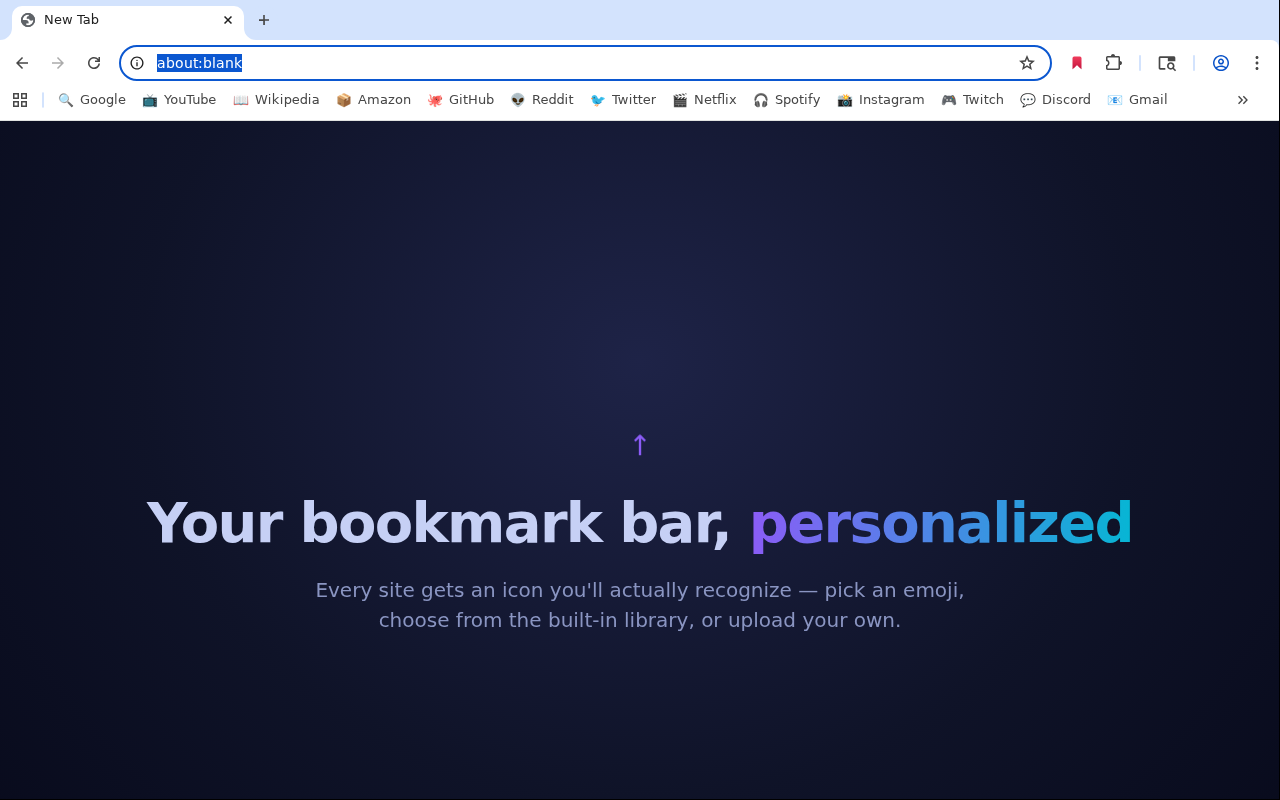
Give your bookmarks a face.
Replace any bookmark's favicon with an emoji, a Material Design Icon
(14,000+ glyphs), or your own image. Works with plain URLs,
javascript: bookmarklets, and webhooks.
Everything you need, nothing you don't.
Local-only storage, minimal permissions, zero tracking. Your bookmarks stay on your machine.
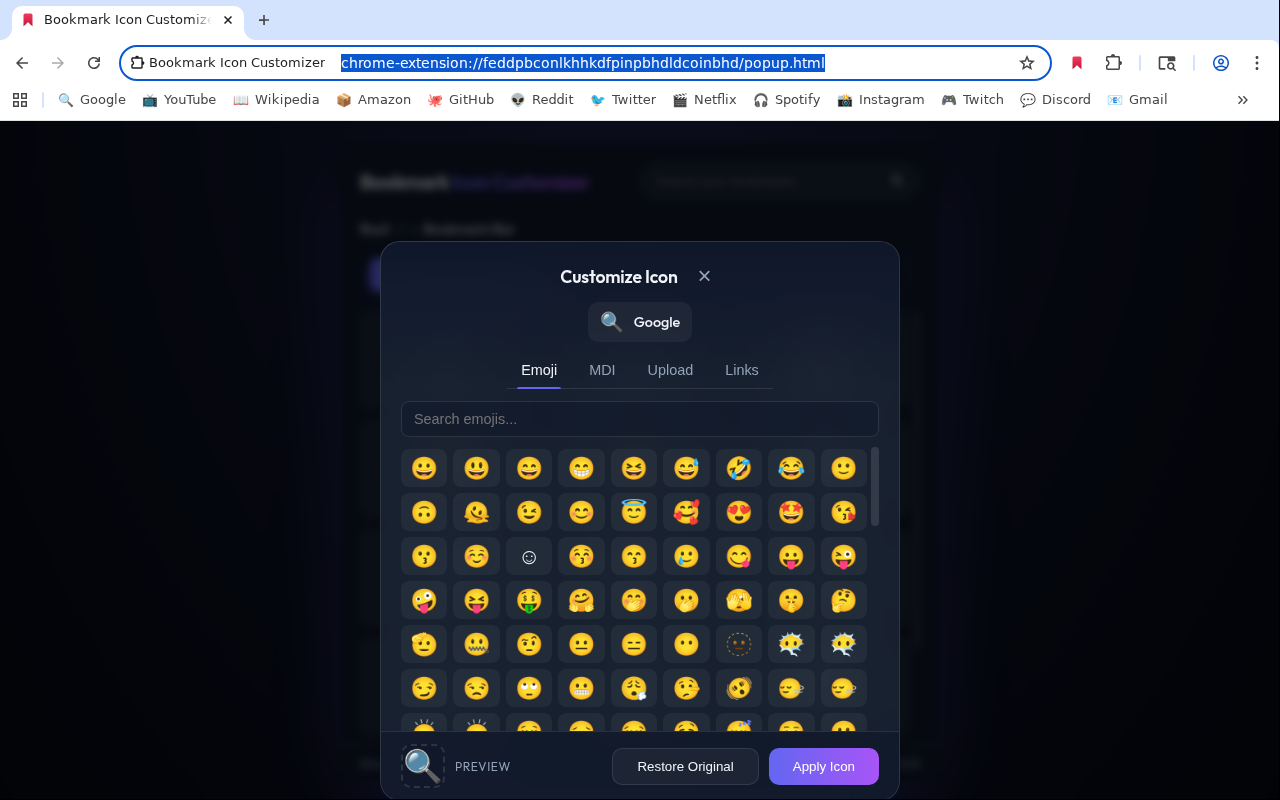
Emoji picker
High-DPI 128×128 emoji rendering for icons that stay crisp on every display.
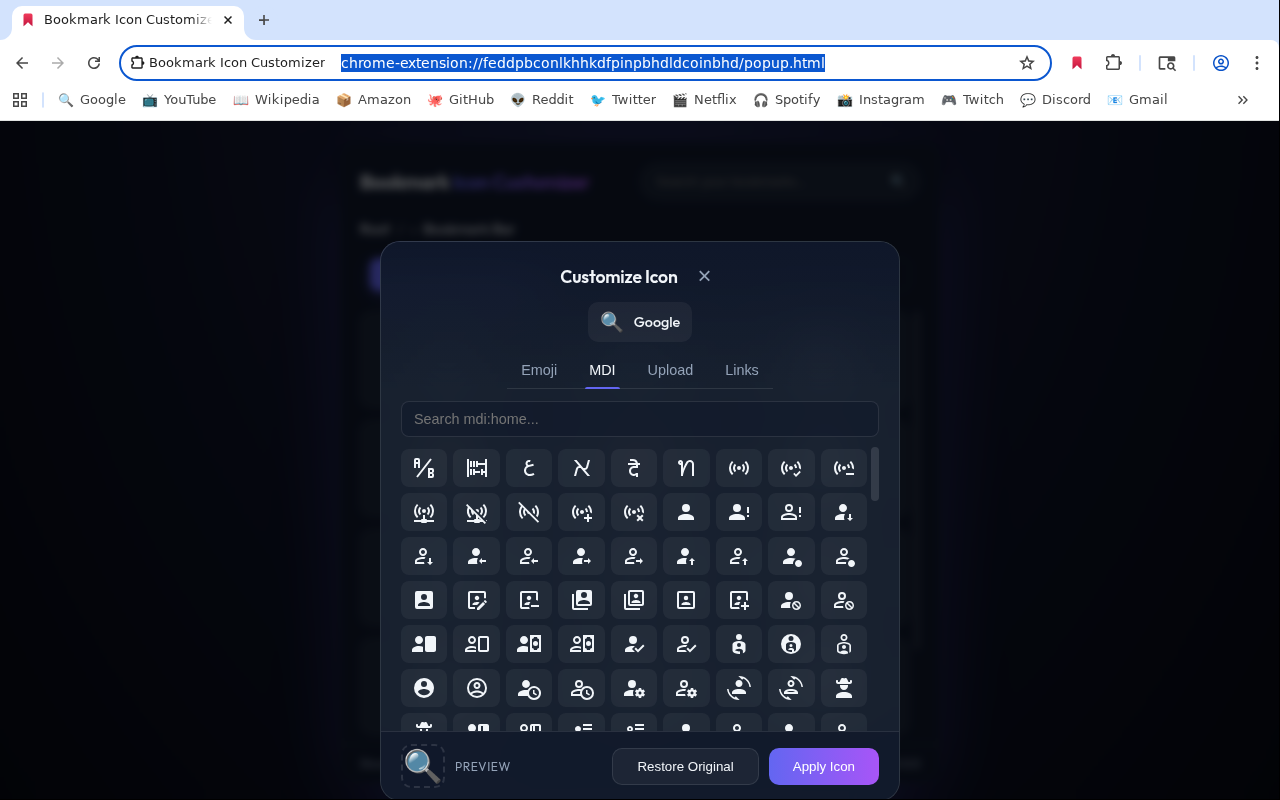
14,000+ MDI glyphs
The full Material Design Icons library, searchable in-place.
Custom uploads
Drop a PNG, JPG, or ICO and you're done — the extension handles sizing and caching.
Bookmarklets, with icons
Turn javascript: bookmarks into icon-carrying launchers — choose page-inject mode for bookmarklets that modify the page you click them from, or sandbox mode for fire-and-forget ones. Original source is always recoverable.
Webhook bookmarks
Tick a box to make a URL fire silently when clicked — like a dedicated button in your bar. Perfect for Home Assistant and friends.
Self-healing
If you ever reinstall the extension, bookmarklets revert to their original javascript: form automatically.
How it works
Chrome's favicon cache is keyed by URL and has no public write API. The extension handles the plumbing so you don't have to.
- Plain URLs — the target is opened once in a small focused-off popup window so Chrome caches your chosen favicon for that URL.
- Bookmarklets — rewritten to an extension launcher page that carries the favicon; the original JS is preserved verbatim in the URL and self-heals on reinstall. Choose between page-inject (default — runs the bookmarklet on whatever page you click it from, just like a native
javascript:URL) and sandbox (the JS runs in an isolated iframe, no page access). - Webhooks — rewritten to a
data:text/htmlURL with the favicon inlined. Click the bookmark and it fires the request silently, without opening a tab. - Reversible everywhere — untick the customization and the bookmark is restored to its original form.
About bookmarklets
A native javascript: bookmarklet runs inside the page you click it from — that's how it can add buttons, edit content, read the selection, fill forms. The catch is that Chrome doesn't show favicons for javascript: URLs, so to attach a custom icon the bookmark has to be rewritten to a real URL.
The picker has a "Run on the current page" checkbox to choose how that's handled:
- Checked — page-inject mode (default). Clicking the bookmark navigates the tab to a
data:text/htmlURL the extension built (carrying the custom favicon inlined in its HTML). That page immediately callshistory.back()to send the user back to where they came from, and the extension's background worker runs the bookmarklet code on the returned page in its main-world JS context. End result: the bookmarklet behaves the way a nativejavascript:URL would. Requires the optional<all_urls>host permission, which Chrome asks for at runtime the first time you use this mode — never at install time. - Unchecked — sandbox mode. The bookmarklet runs inside the
data:URL's own document, isolated from your previous page. Use for fire-and-forget JS that doesn't need to read or modify the page (open a URL, ping a server, etc.). No extra permission requested.
You can switch modes at any time by reopening the picker on the converted bookmark and toggling the checkbox.
Limitation: page reload on BFCache-ineligible pages
The round-trip (forward to the data: URL, back to the original page) takes Chrome roughly 100 ms. Whether you see a visible reload depends on Chrome's back-forward cache (BFCache). On most modern pages (news, Wikipedia, GitHub, Reddit, most apps), BFCache restores the previous page from memory: the click is a brief flash followed by a state-preserving return — same DOM, same JavaScript variables, same scroll position, same form values. On every click, not just the first.
For pages that opt out of BFCache, every click does a fresh fetch of the previous URL and any unsaved data is lost. Common opt-outs include pages with a beforeunload handler (rich editors, online IDEs, dashboards that warn before navigation), pages with Cache-Control: no-store, some banking and SSO pages, and pages with certain service-worker setups.
The most painful subtlety: many editors only enable their beforeunload handler once you have unsaved changes, which is exactly when you'd most regret losing them. If your bookmarklet targets that kind of page, prefer not converting it — keep it as a raw javascript: URL (the picker's Restore Original button reverts a converted bookmark). Sandbox mode has the same reload behavior as page-inject mode because both rewrite the bookmark to a data: URL; the only no-reload alternative is to leave the bookmark as javascript: and accept the default Chrome favicon.
A closer look
The picker is built to feel at home next to Chrome's own UI.