01
Raw first
Every hit is kept as it arrived, headers and payload included. Sessions, places, devices, channels and identities come from jobs you can run again: improve a rule, and the past follows.
Open-source web analytics · MIT licence
Tidesight is self-hosted web analytics for any number of websites. Every hit is stored raw on your own server, then turned into a dashboard as complete as the big tools: reports and comparisons, heatmaps, session replays, Web Vitals, errors, funnels and more. It runs on the cheapest shared hosting, with Python, SQLite and cron.
The demo is Tidesight itself, running in your browser on made-up data. No sign-up, nothing sent anywhere.

01
Every hit is kept as it arrived, headers and payload included. Sessions, places, devices, channels and identities come from jobs you can run again: improve a rule, and the past follows.
02
Comparisons, filters, segments, goals, funnels, retention, heatmaps, recordings, Web Vitals, errors, forms, site search and visitor timelines, in one dashboard and for every site.
03
A standard-library Python app and SQLite files, on the host you already pay for. No daemon, no database server, no monthly bill, and no data leaving your server.
Features
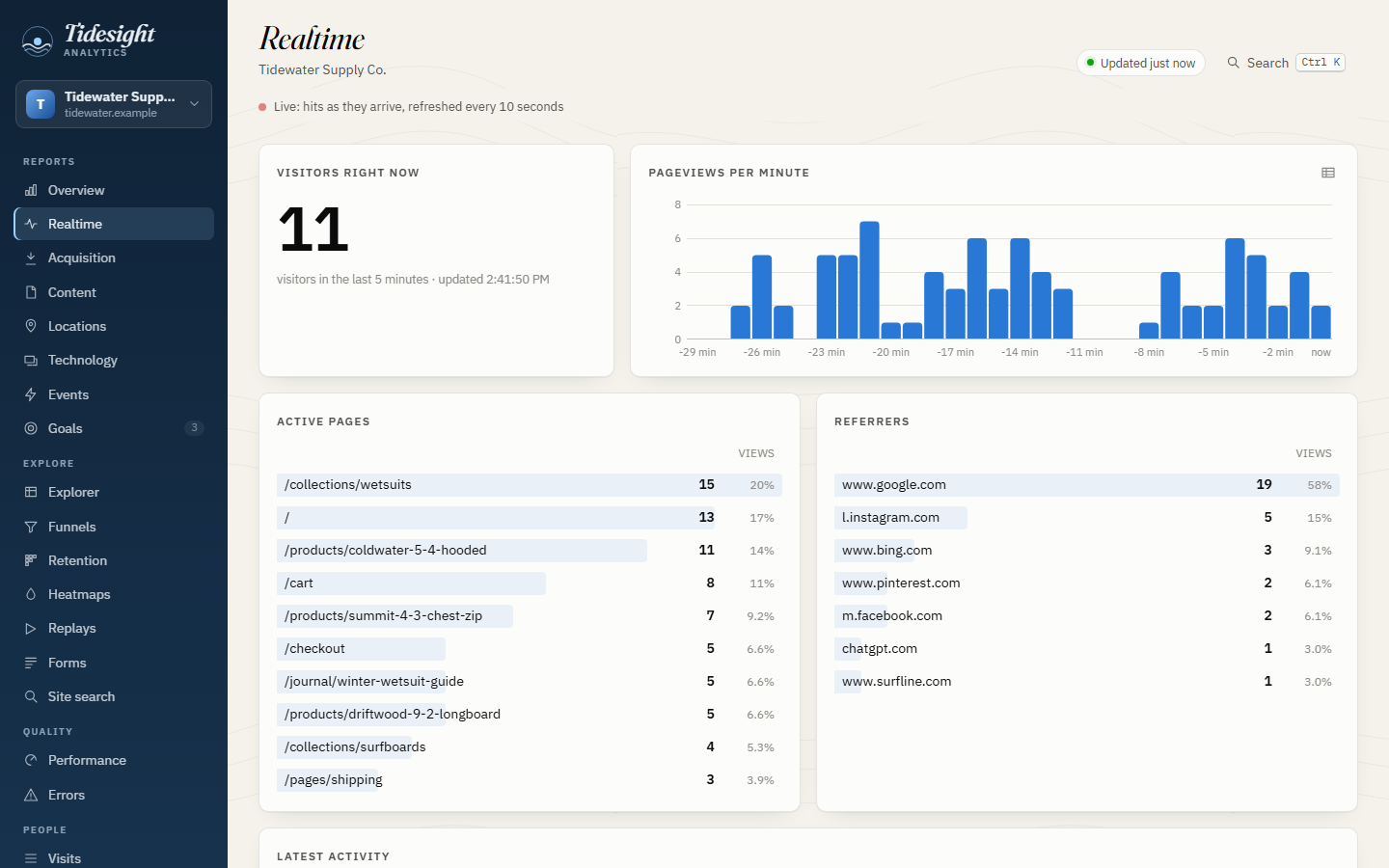
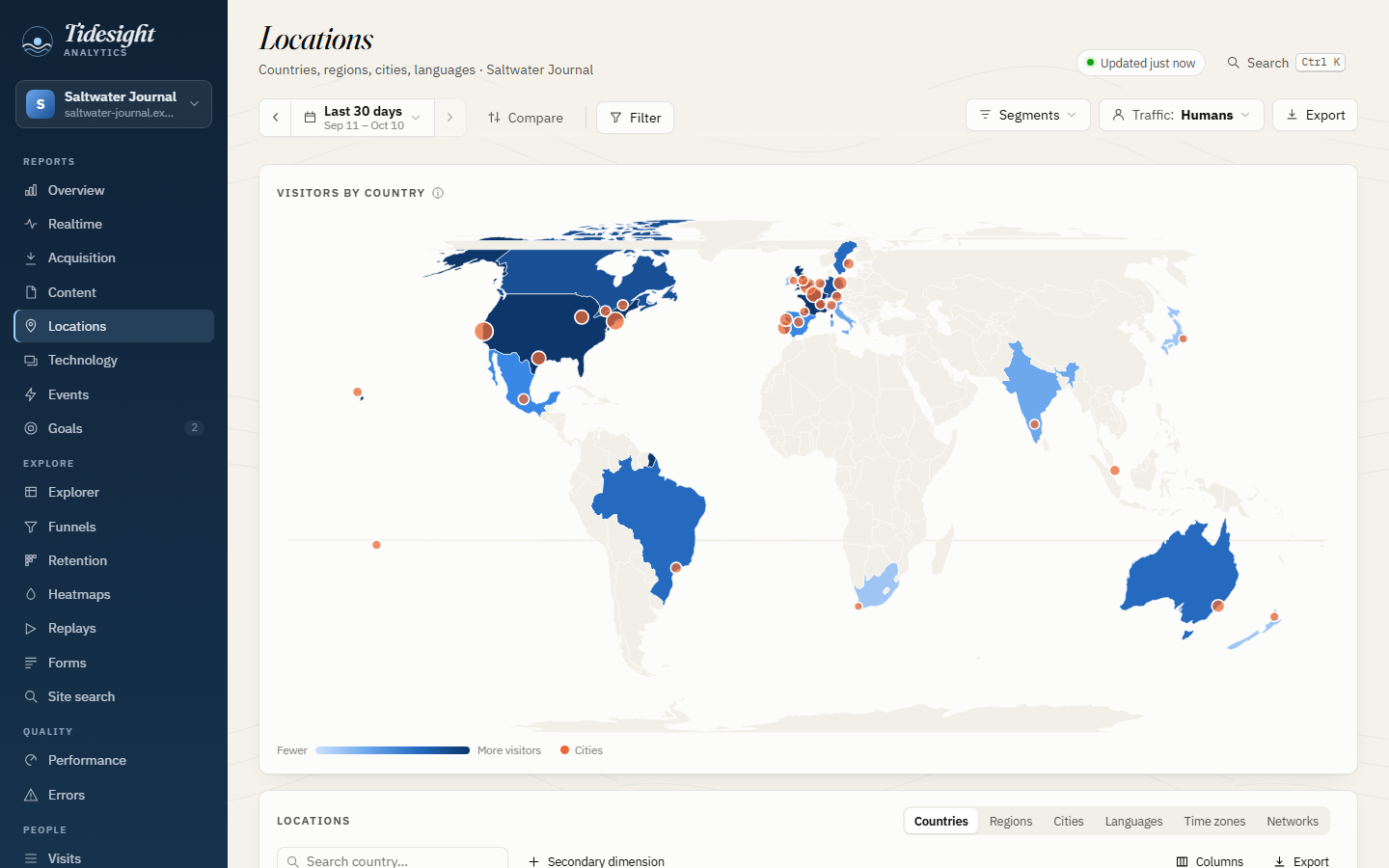
Who is on your sites right now, the pages they read and where they came from.
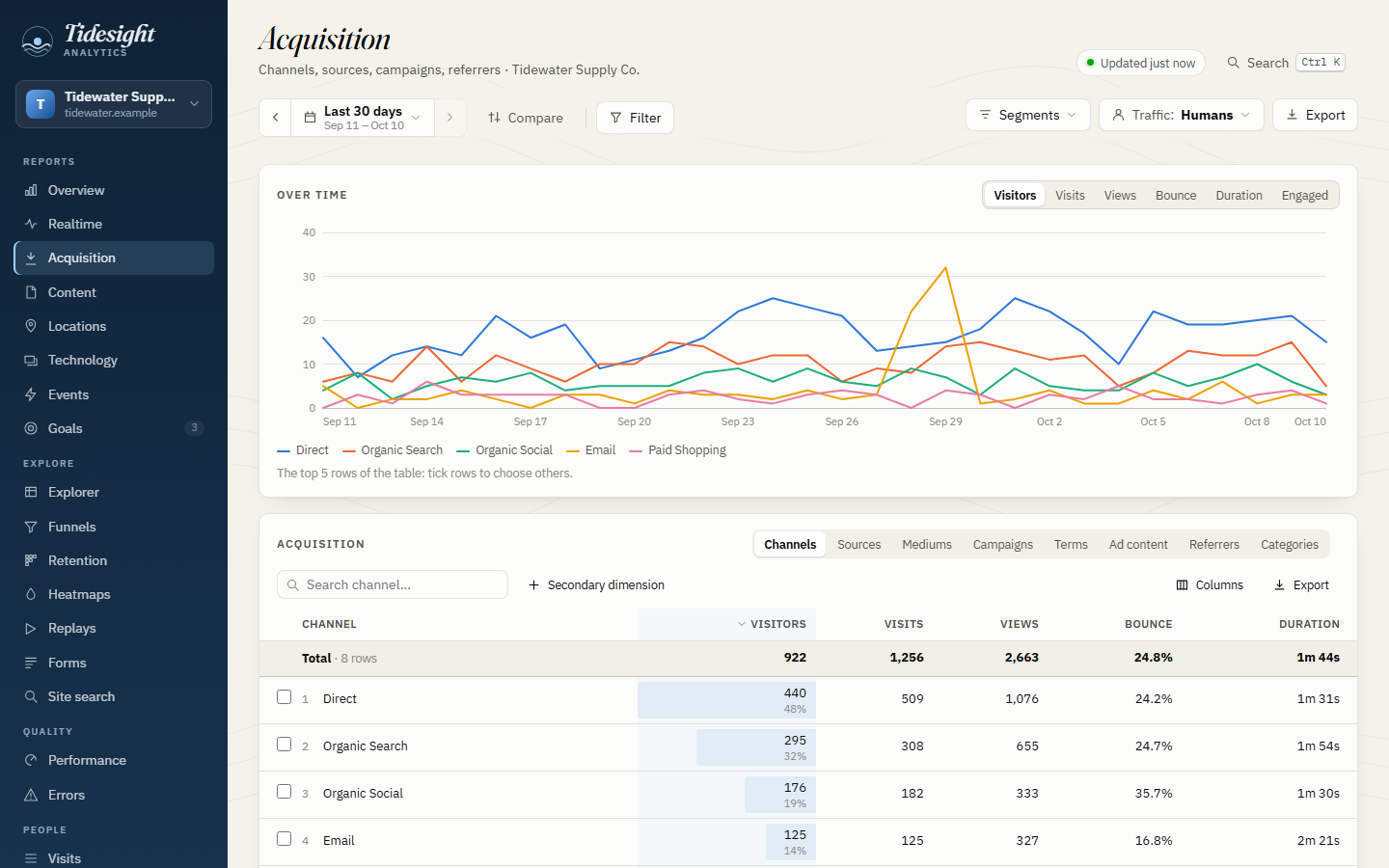
Any period against the previous one or a year before, changes everywhere, filters on every dimension, saved segments, annotations.
Channels as in GA4, AI assistants included; sources, campaigns, referrers and click ids.
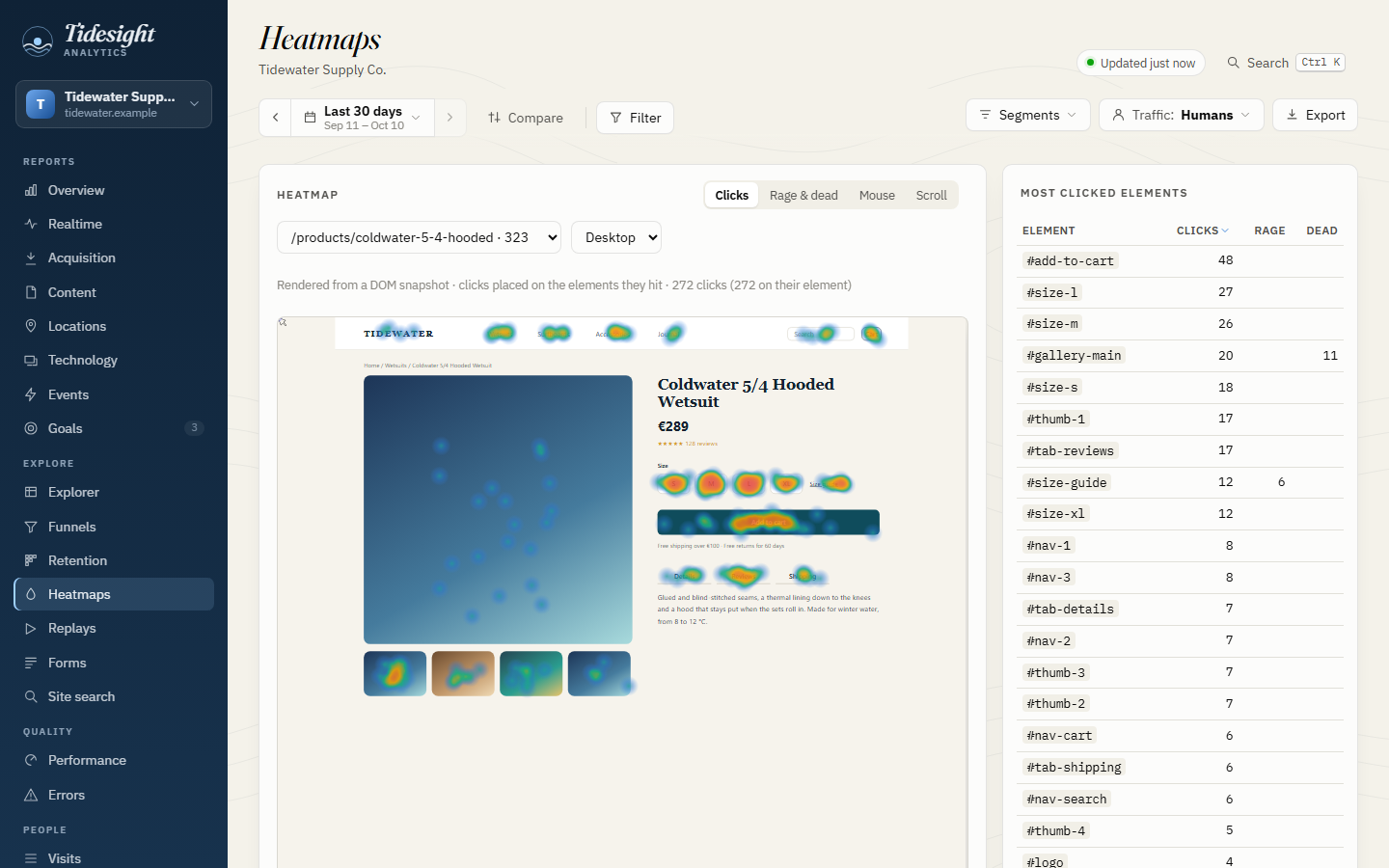
Clicks, rage and dead clicks, mouse movement and scroll reach, drawn on the page as it looked.
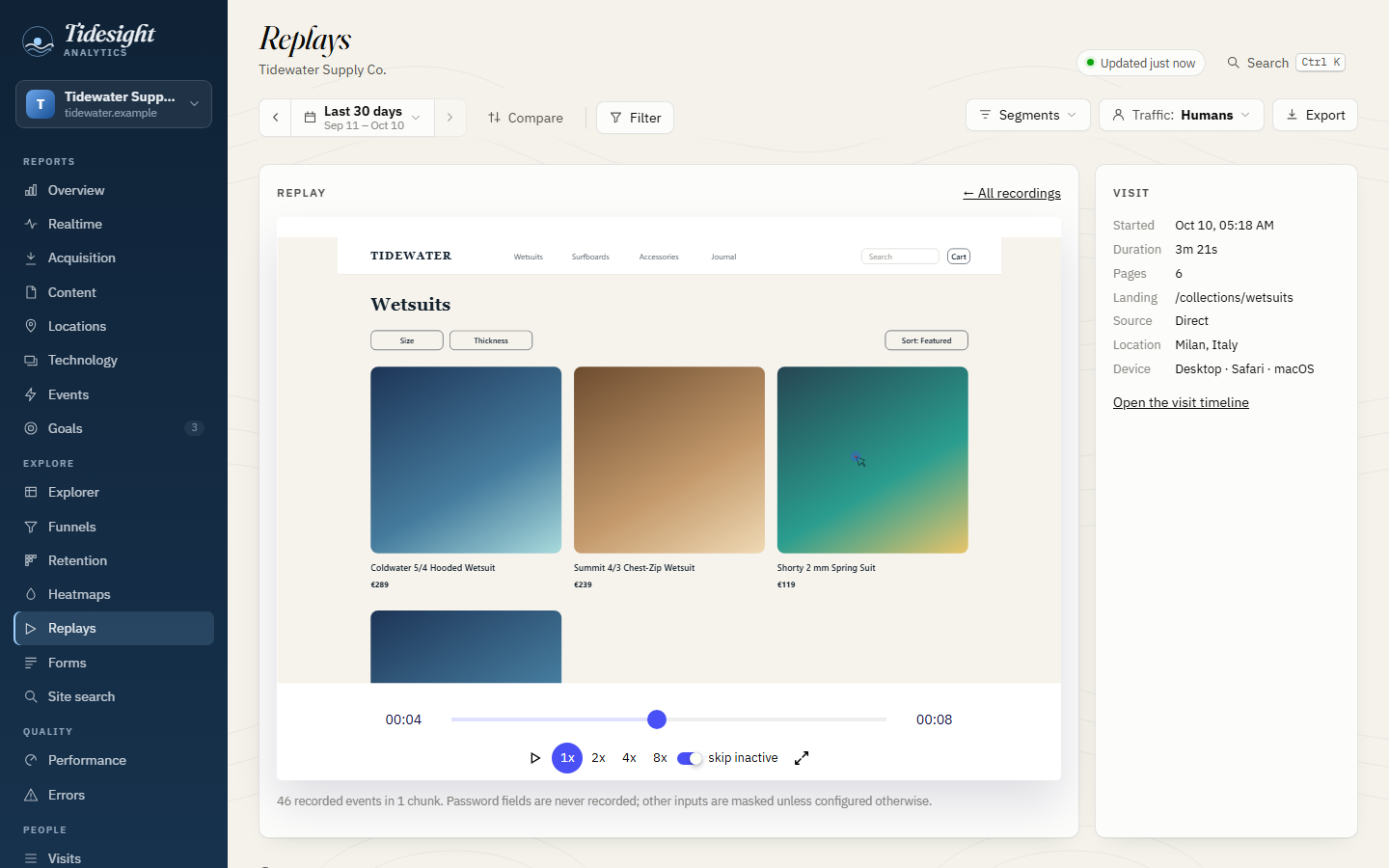
Watch visits again with rrweb. Inputs are masked and passwords never recorded.
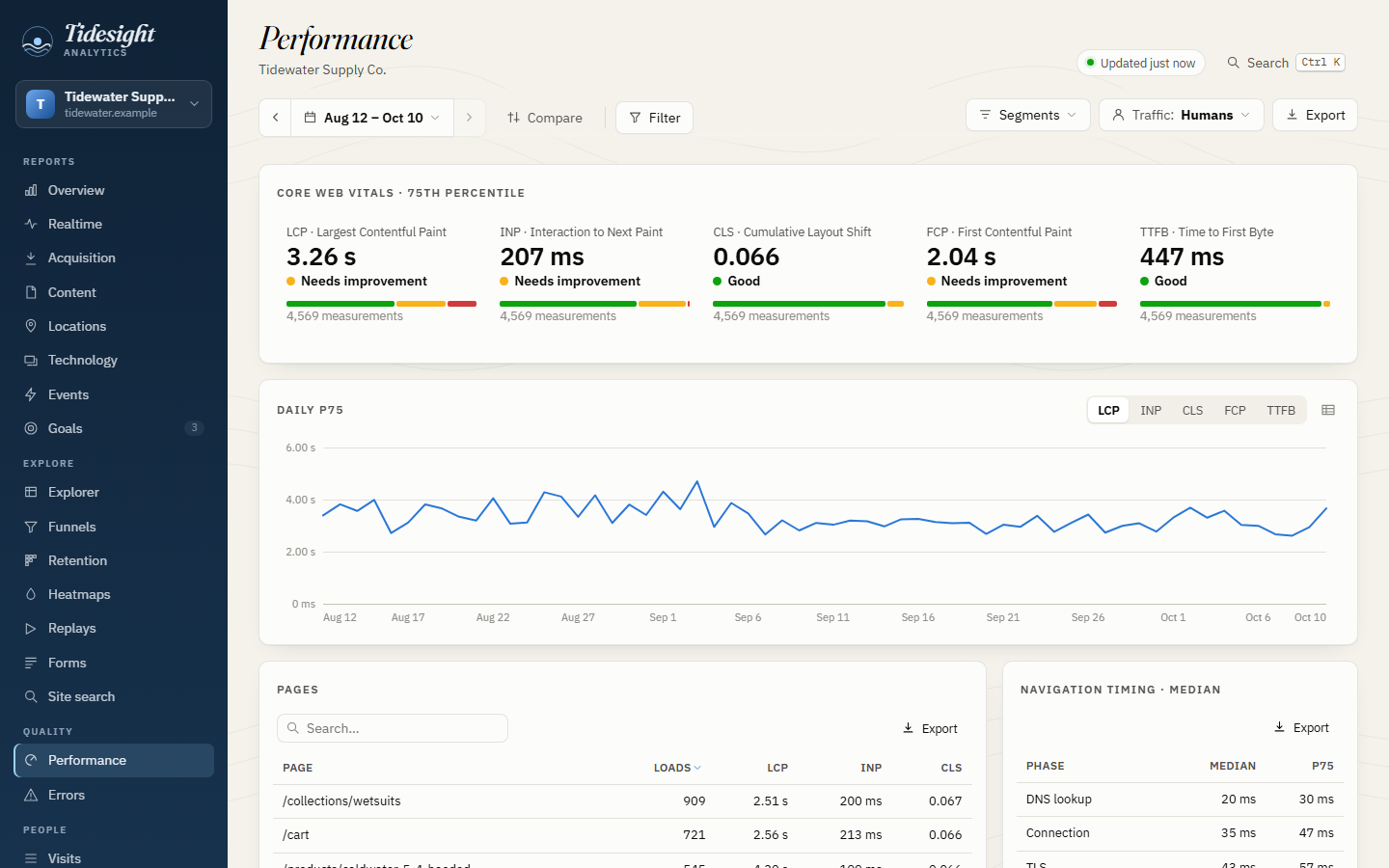
LCP, INP and CLS by page and over time; JavaScript and resource errors, grouped.
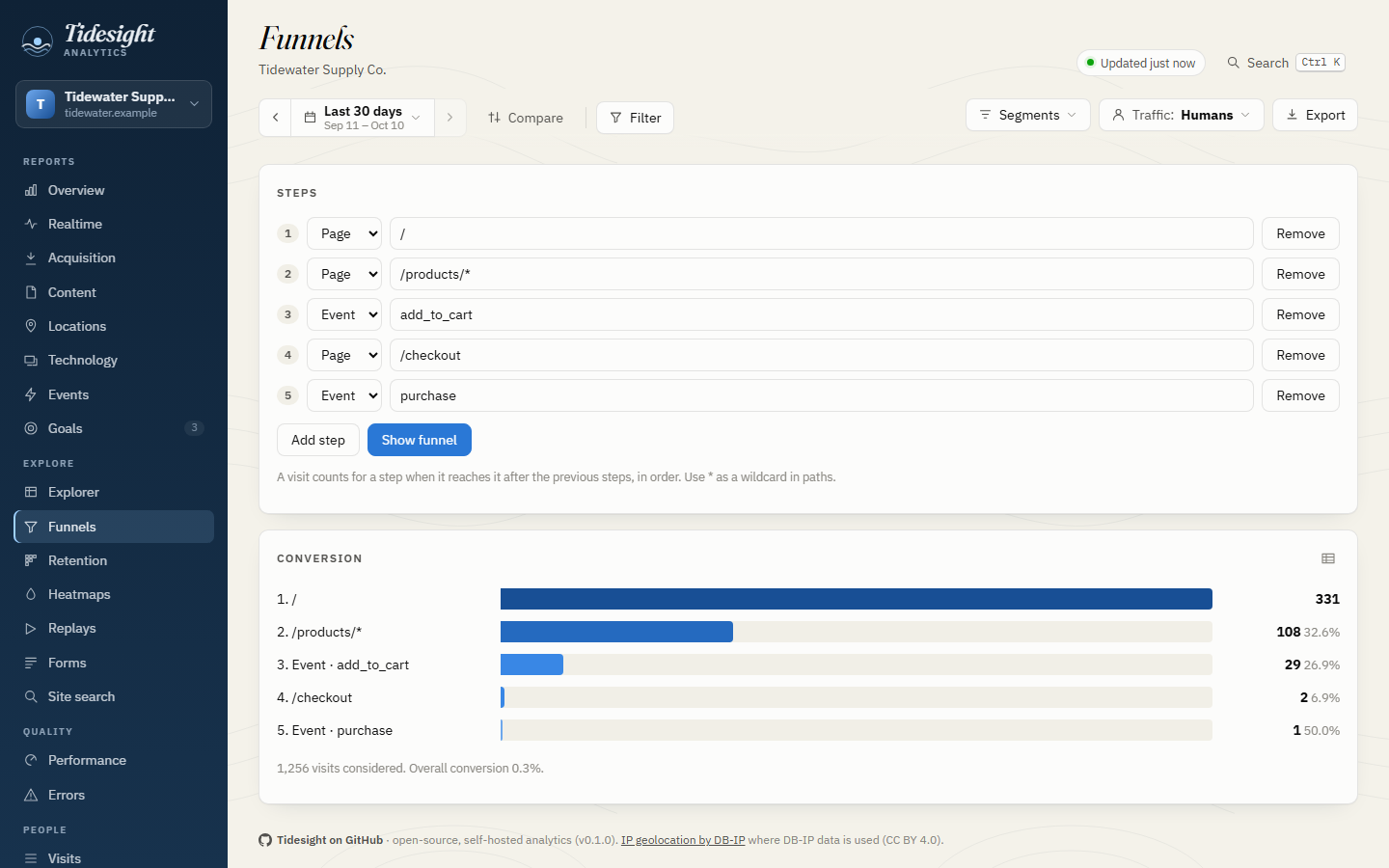
Ordered steps within a visit, and the share of visitors who come back, week after week.
Any dimension, a second one, every matching row to Excel, CSV, TSV or JSON. A JSON API for scripts.
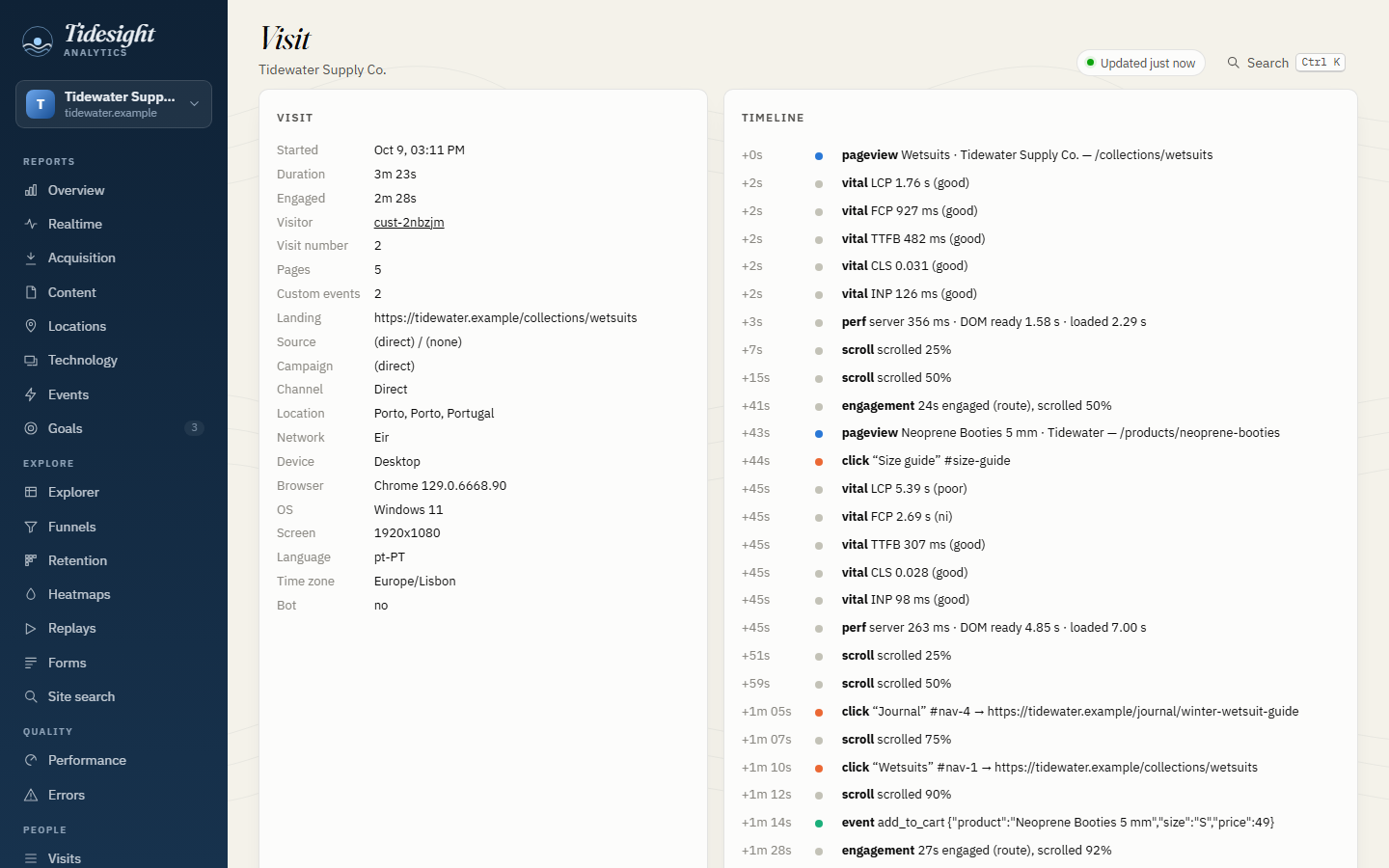
A timeline for every visit, a profile for every visitor, identities stitched across devices.
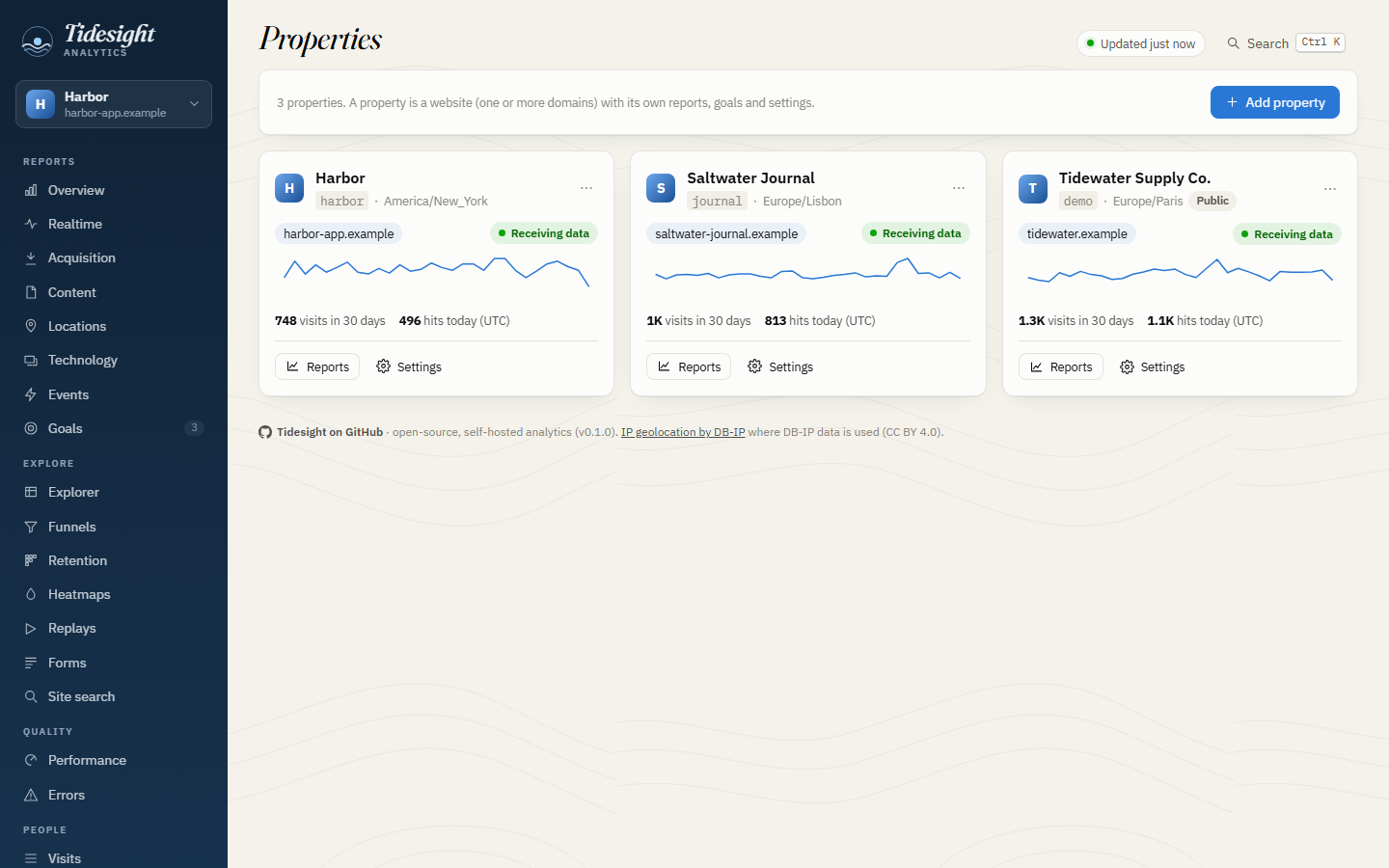
Add a property in the dashboard, paste one line into its pages, see the first visit arrive.
Pages or events as goals, with conversions and conversion rates in every report.
IP truncation or hashing, retention windows, Do Not Track and GPC, no fingerprinting: a setting and a clean-up job.
Tour
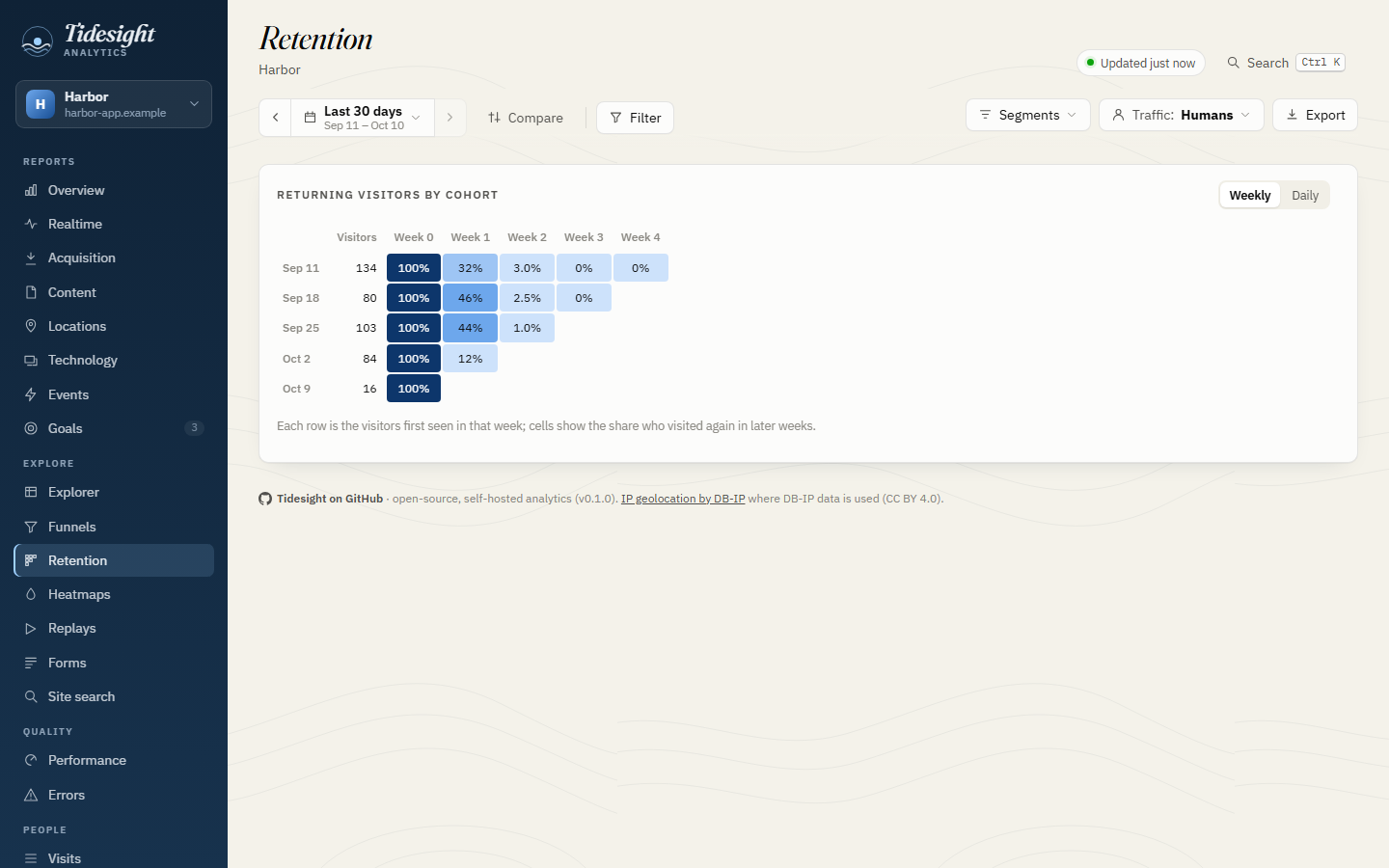
How it works
ts.js, about 8 KB. Pageviews, events, single-page apps; plugins load only where they are switched on.The derived database can be deleted at any time: it is rebuilt from the raw hits.
Shared hosting with Python (FastCGI or CGI) and cron is enough: everything lives in one folder, the website's, behind an .htaccess, and Tidesight checks from the outside that none of its files can be downloaded. A host without Python web apps can collect with the PHP connector; Node and Cloudflare Workers connectors speak the same protocol, checked by a shared conformance suite.
Tidesight looks for new releases once a day. An admin clicks Update; the next cron run downloads it, checks it, puts it in place and keeps the previous version for a rollback. The tracking code on your sites never changes: it is served by Tidesight, so it follows.
Get started
Python 3.9 or later, nothing else. The demo makes 60 days of visits to three made-up websites, through the real collector and jobs.
git clone https://github.com/mayerwin/Tidesight.git
cd Tidesight
python tools/demo.py --out demo-data
python server/python/devserver.py --no-auth --port 8790 \
  --config demo-data/tidesight.toml
Then open http://127.0.0.1:8790/dashboard/.
Unpack the latest release in your website's folder, copy two files next to it, write tidesight.toml and add one cron line. The guide walks through it, for Dreamhost and similar hosts.
cd ~/stats.example.com    # your website's folder
curl -L https://github.com/mayerwin/Tidesight/releases/latest/download/tidesight.tar.gz | tar xz
cp app/server/python/tidesight.fcgi . && chmod 755 tidesight.fcgi
cp app/server/python/web.htaccess .htaccess
cp app/config/tidesight.example.toml tidesight.toml
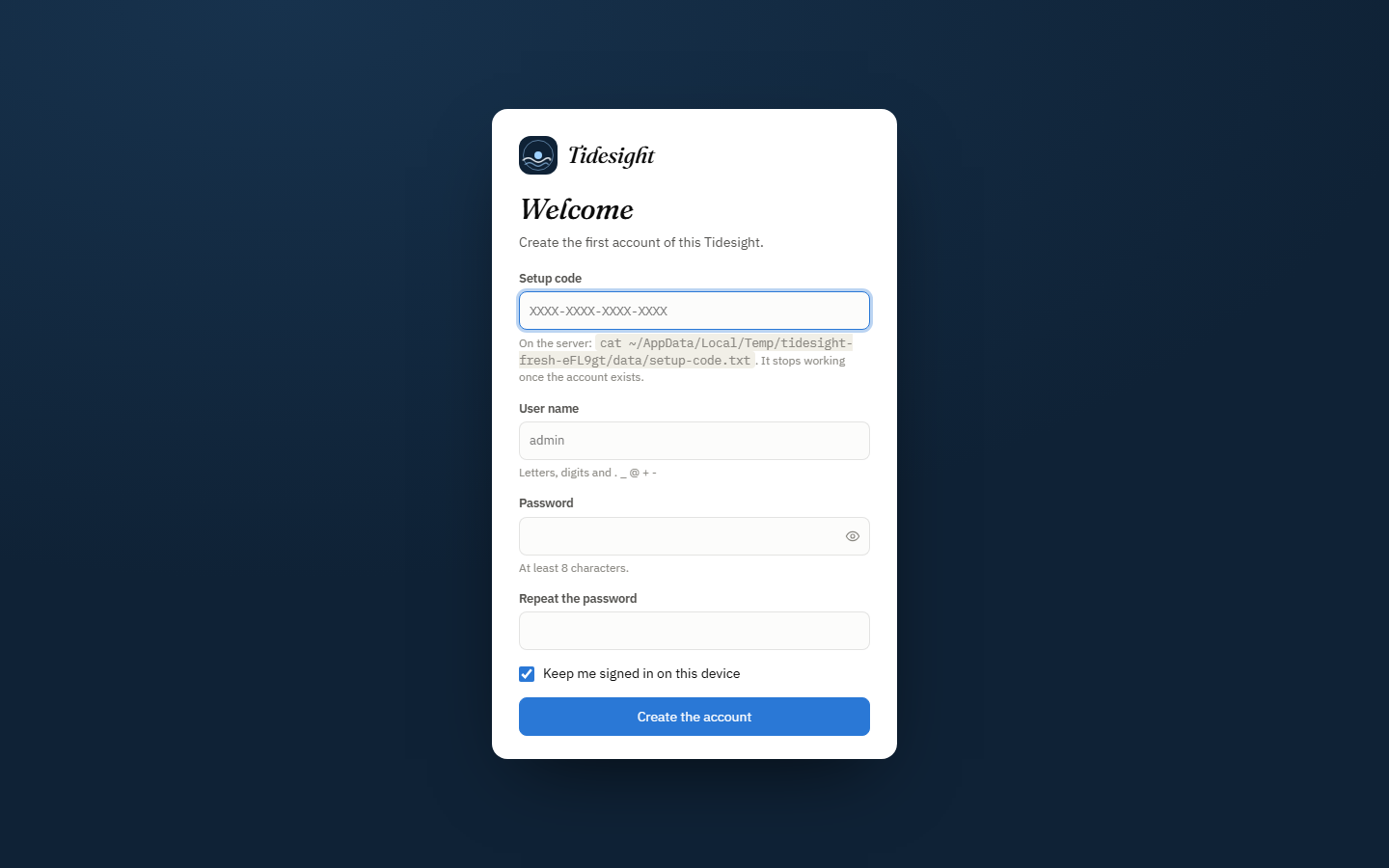
The first time the dashboard opens, it asks for a setup code that only someone with access to the server can read, so a bot that finds a new installation first cannot claim it. Invite your team afterwards with one-time links.
Give its address and a time zone, choose what to record, and paste one line into the <head> of its pages. The dialog says when the first visit arrives.
<script async src="https://stats.example.com/ts.js" data-site="example-com"></script>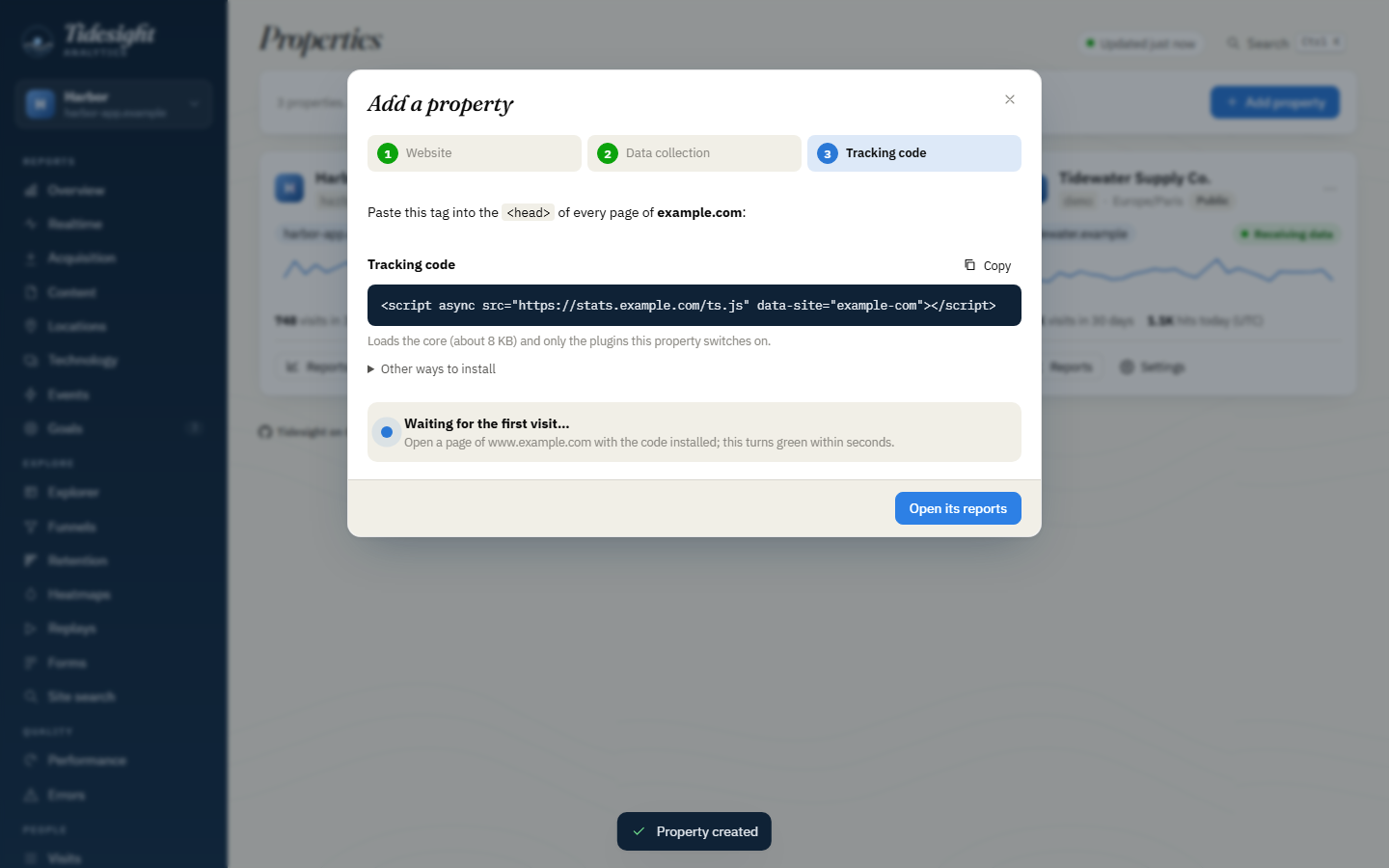
Visitors appear on the Realtime page within seconds; reports fill in as the cron job runs, every couple of minutes. Custom events take one more line:
tidesight('track', 'signup', { plan: 'pro' });Privacy
Security
Questions
Nothing: Tidesight is MIT-licensed. You need a host with Python 3.9 or later (FastCGI or CGI) and cron, which most shared hosting plans include, or PHP, Node or Cloudflare Workers for the collector.
In the hosting test on a shared Dreamhost server, SQLite with write-ahead logging took about 1,800 inserts a second from eight processes at once, with no errors: far more than most websites send. The tracker batches events, and every limit is configurable.
That depends on where you and your visitors are, and on what you switch on. Tidesight records a lot by default; its privacy mode and per-site switches let you match stricter rules. Check your own obligations.
Once a day, Tidesight looks for a new GitHub release. An admin sees it in the dashboard and clicks Update; the next cron run installs it and keeps the previous version for a rollback. Database migrations run by themselves, and the sites' tracking code never needs to change.
No. It is Tidesight's own dashboard and Python web app, compiled to WebAssembly with Pyodide and running in your browser on made-up data. It is rebuilt every few hours, so its dates are always recent.
Yes: the dashboard is built on a JSON API that scripts can use too, every report and raw dataset downloads as Excel, CSV, TSV or JSON, and the data are plain SQLite files.
Open the demo, or star the repository to follow new releases.